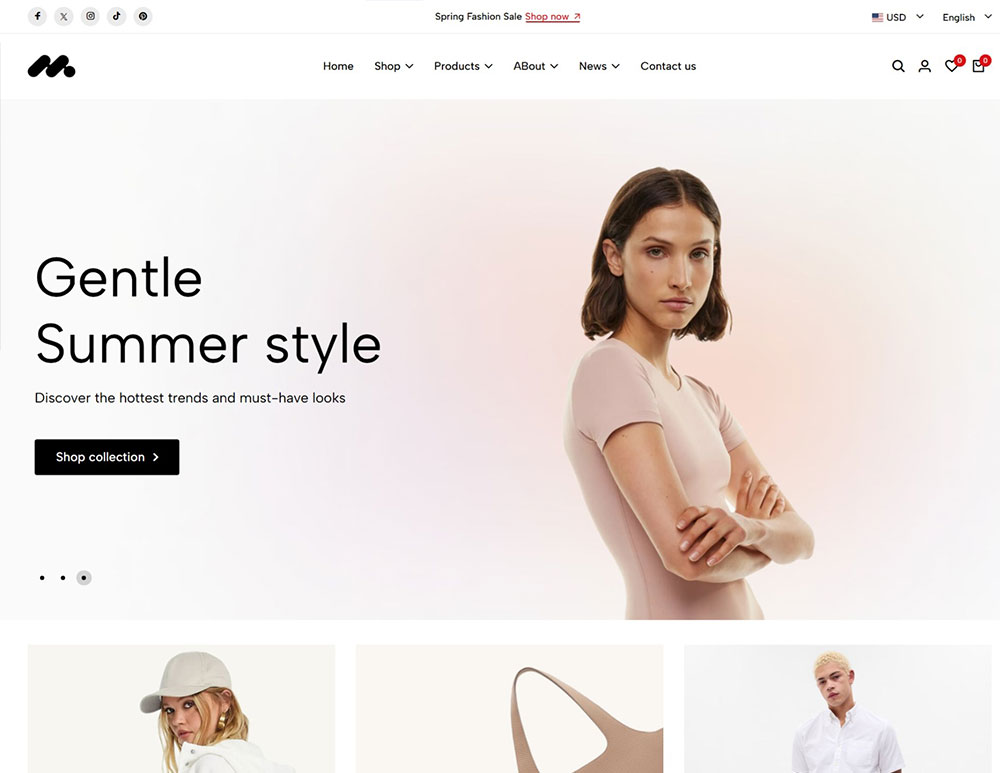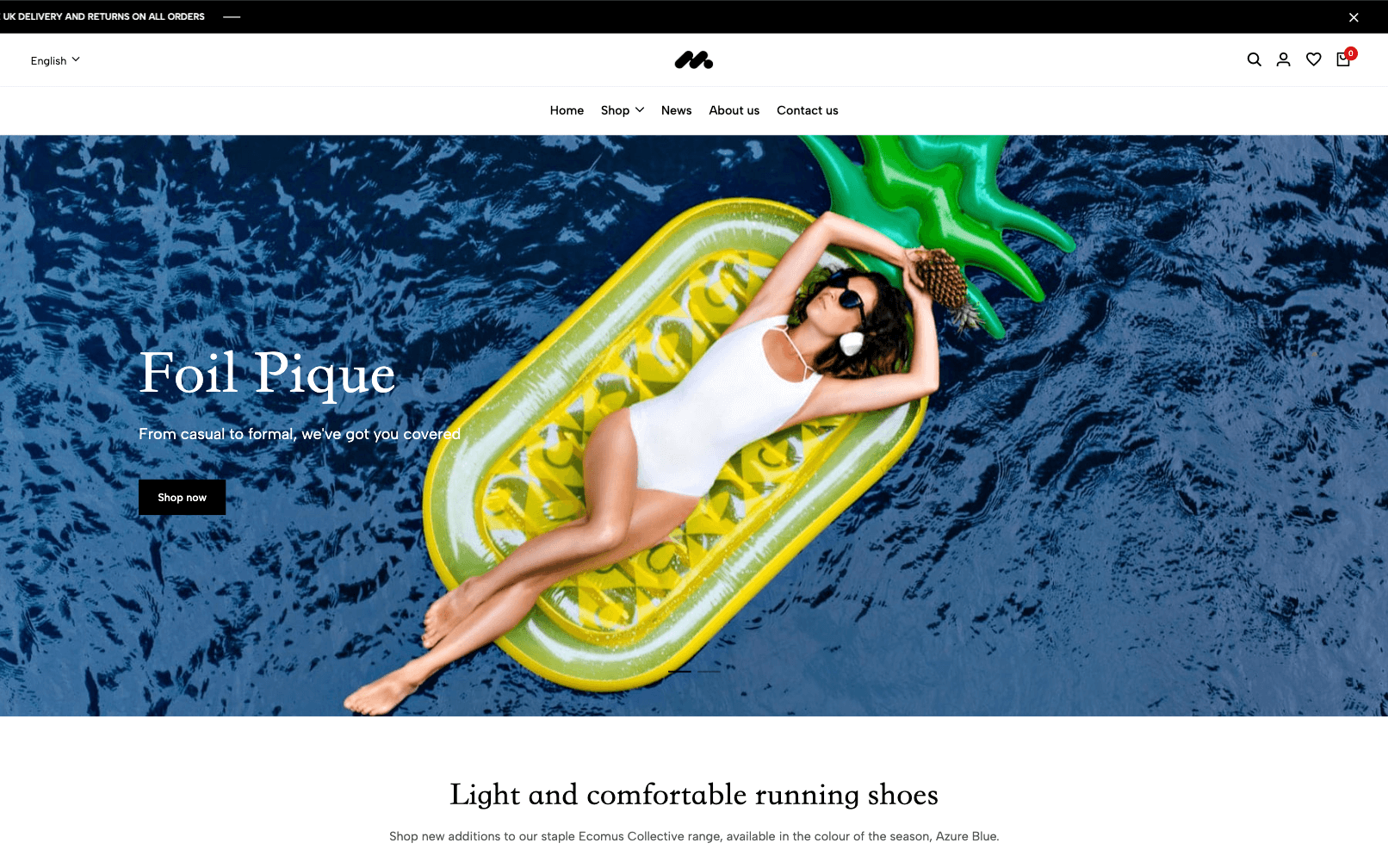
Swimwear is a modern multi-purpose Z-Blog cross-border e-commerce Ecomus theme designed for fashion brands, clothing stores, digital product stores and e-commerce enterprises.
Swimwear is a modern multi-purpose Z-Blog cross-border e-commerce Ecomus theme designed for fashion brands, clothing stores, digital product stores and e-commerce enterprises.
Suitable for apparel, crafts, home furnishings, fragrances, and digital products Fendy is a modern and stylish Z-Blog mall template designed for fashion brands, clothing stores, digital stores, and e-commerce businesses.
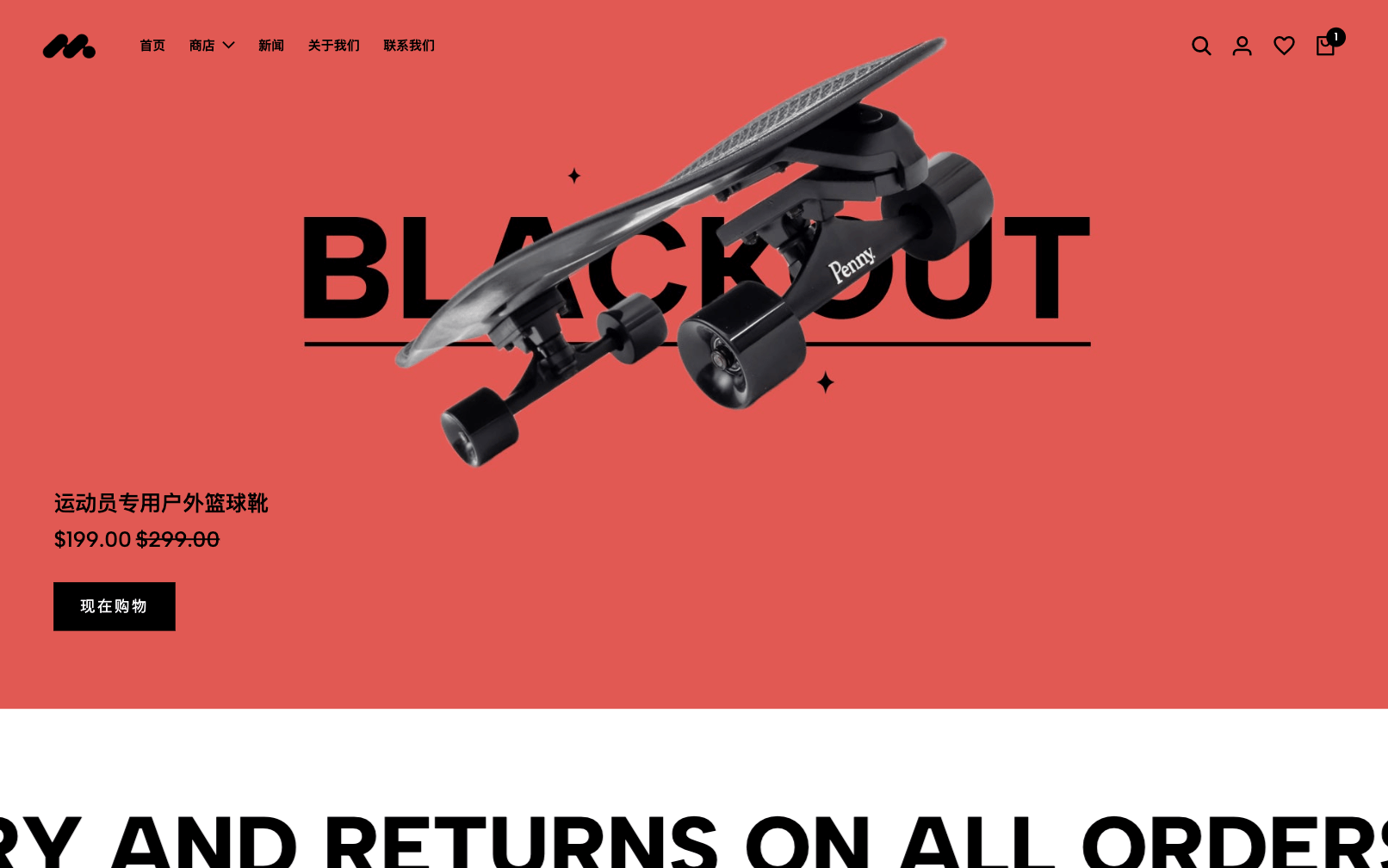
Suitable for apparel, crafts, home furnishings, fragrances and digital products, Sneakers is a modern multi-purpose Z-Blog cross-border e-commerce Ecomus theme designed for fashion brands, clothing stores, digital goods stores and e-commerce enterprises.
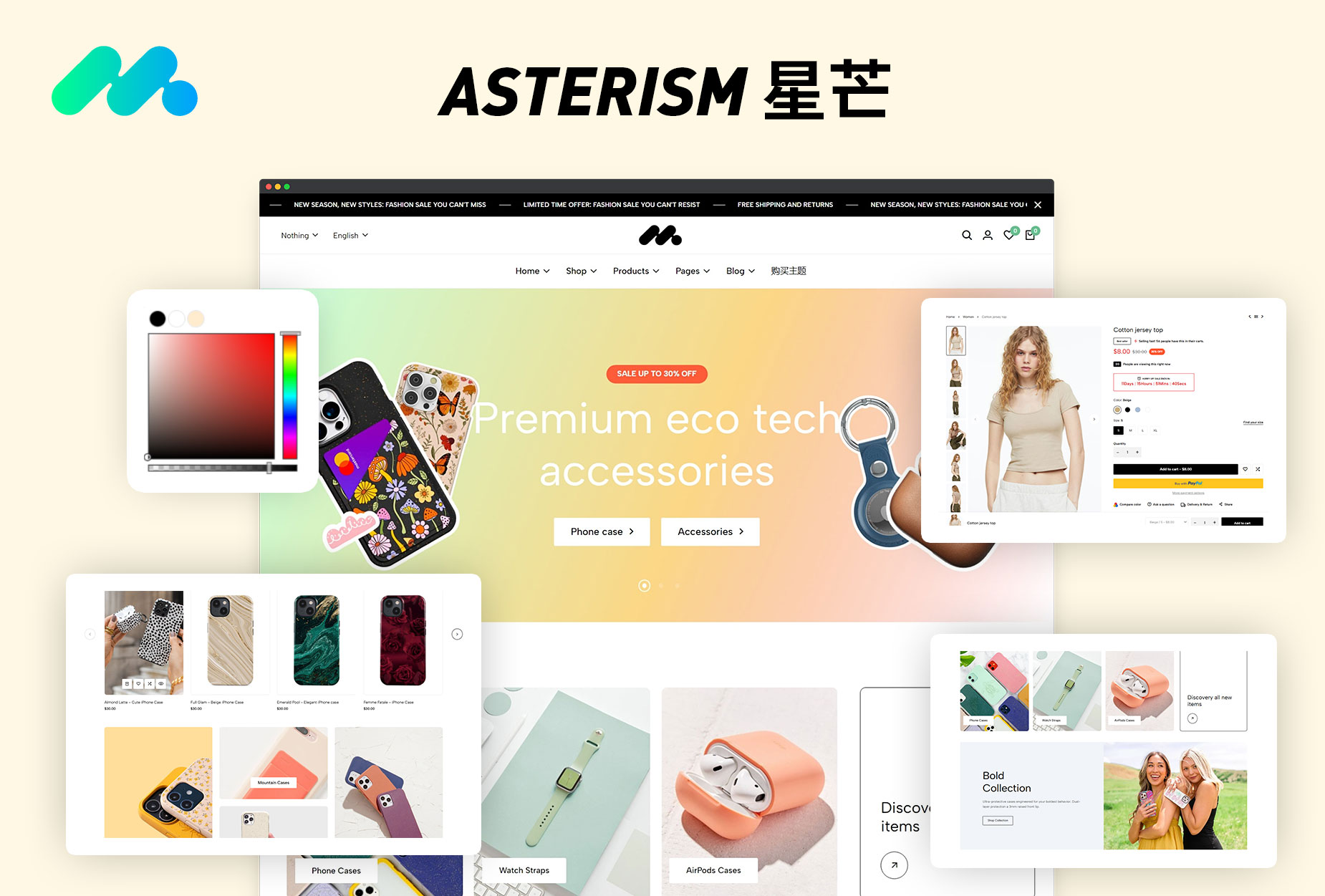
Asterism is a Z-blog mall template dedicated to mobile peripheral products, full of customization possibilities. It has been specially designed to provide a solid foundation for your journey and adapt seamlessly as your business expands and grows. Who is this template for? z-blog mall theme Asterism is suitable for any store with multiple categories and a wide range of products
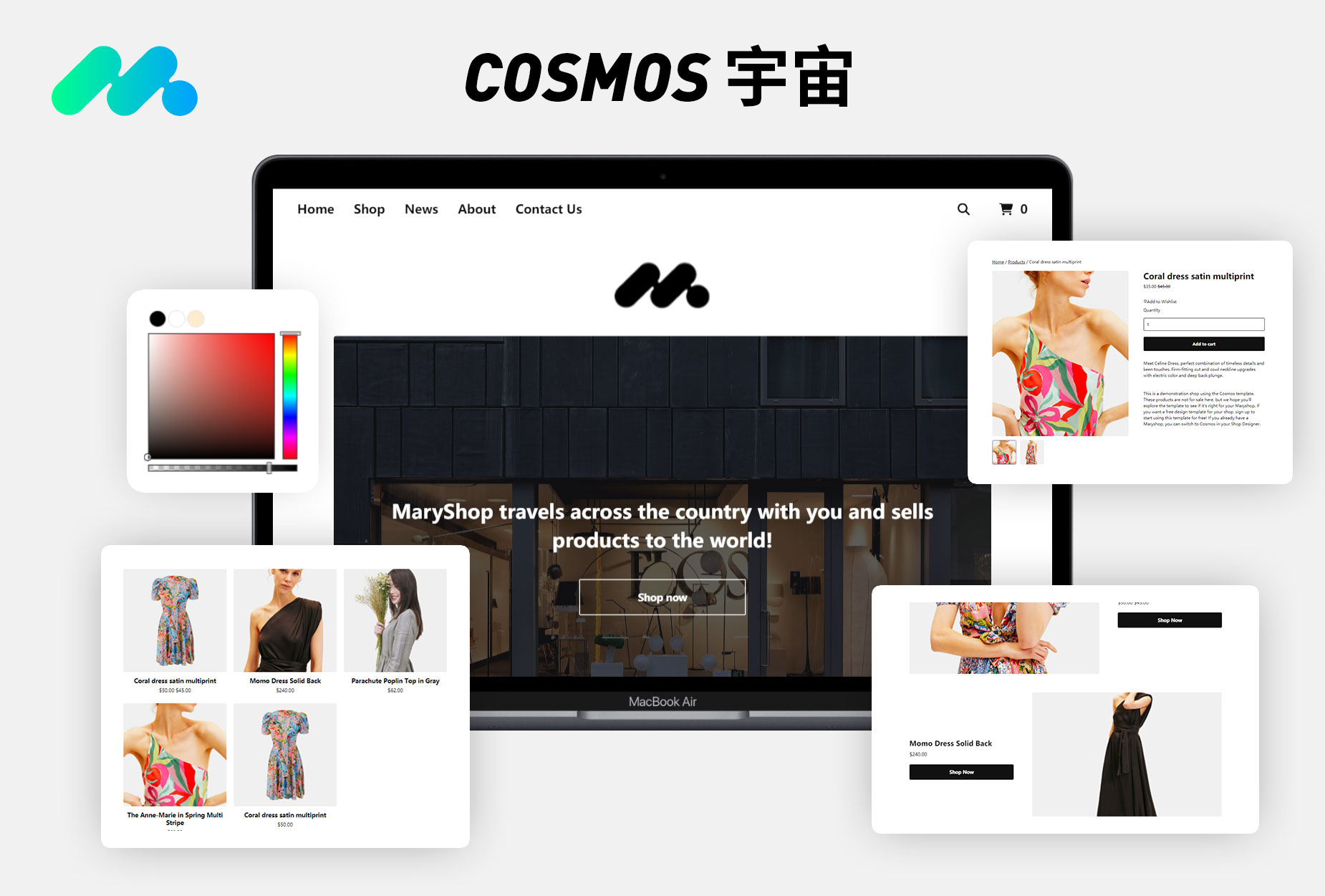
Universe (Cosmos) is a Z-blog mall template for multi-scenario, simple type, full of customization possibilities. It has been specially designed to provide a solid foundation for your journey and adapt seamlessly as your business expands and grows. Who is this template suitable for? Z-blog mall theme universe (Cosmos) is suitable for any store with multiple categories and a wide range of products. Features of this template? ● Font and color presets: Provide 9 different styles for you to choose from to quickly create a beautiful, ready-to-operate foreign trade store.
Z-BLOG integrates Stripe to realize the online payment function of the website, simplify the payment process and improve the user experience. Stripe, as the world's leading online payment processing platform, helps Z-BLOG users quickly access safe and convenient payment services. Operation steps: 1, In the Z-Blog background, go to Theme Settings = "Mall Settings, select Stripe. 2, Check Stripe Enabled, and put Stripe Secret Key...